JPG vs PNG: Which Image Format Is Better?
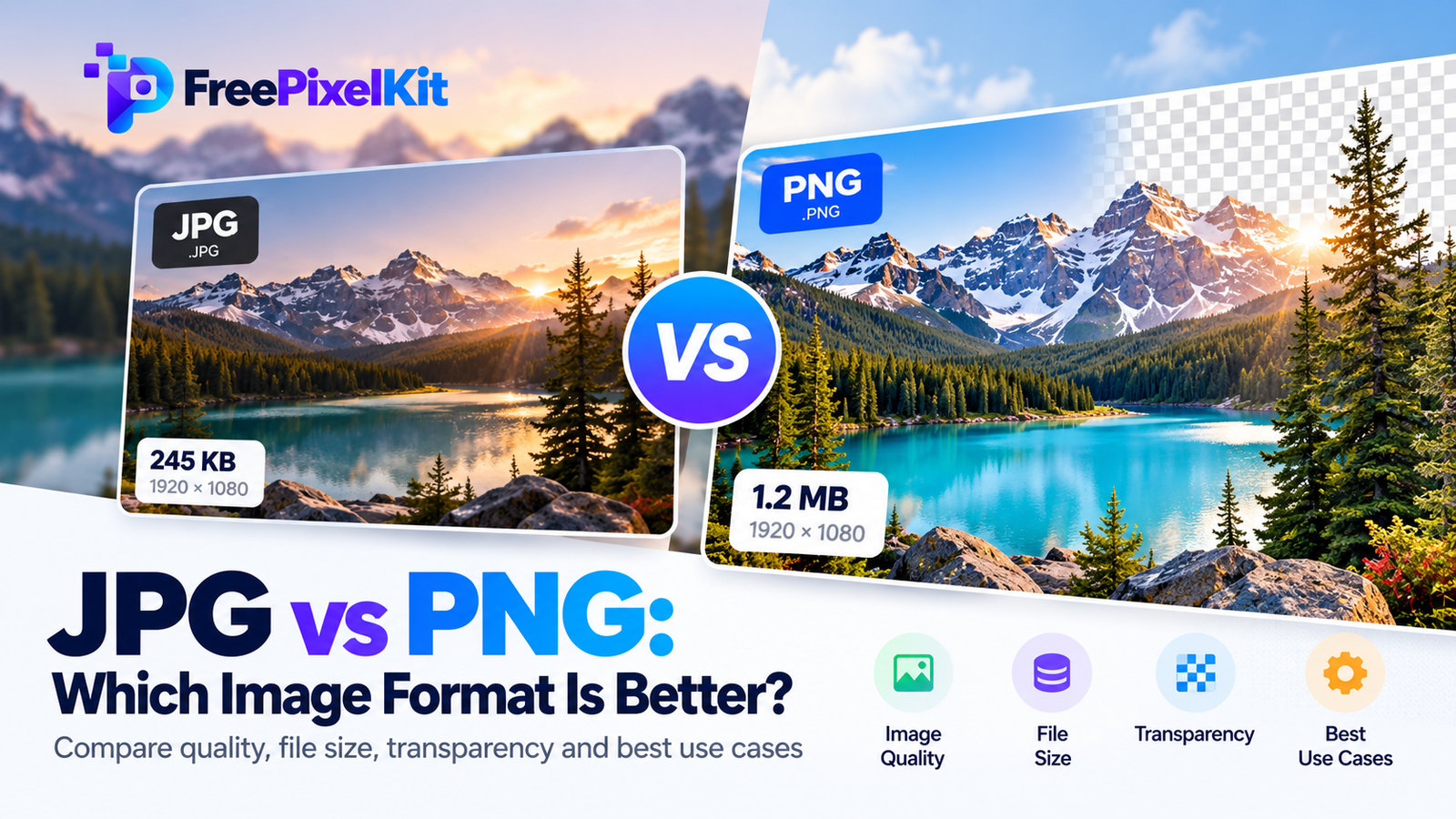
Choosing the right image format can make a big difference in image quality, file size, and website performance. JPG and PNG are two of the most widely used image formats, but each is designed for different purposes.
JPG is commonly used for photographs and images with many colors. PNG is better suited to graphics, screenshots, logos, and images that need transparent backgrounds.
So, which one should you choose? The answer depends on how you plan to use your image.
Quick Answer: Should You Use JPG or PNG?
Choose JPG for photographs and smaller file sizes. Choose PNG for logos, screenshots, text-heavy graphics, and transparent images.
JPG uses lossy compression, which reduces file size by removing some image information. PNG uses lossless compression, preserving image data exactly. For most website photographs, JPG is a practical choice. For images requiring transparency or sharp graphic details, PNG is usually better.
What Is JPG?
JPG, also written as JPEG, stands for Joint Photographic Experts Group. It is a popular image format designed to store photographs efficiently.
JPG uses lossy compression to reduce file size. It removes some visual information that may be difficult for the human eye to notice, especially at high-quality settings.
This makes JPG useful for digital photography, blog images, product photos, and social media content.
How JPG Compression Works
JPG compression analyzes image information and reduces details that are less noticeable to human vision. This can produce much smaller files than uncompressed or losslessly compressed images.
However, excessive compression can create visible problems, such as blurry edges, blocky patterns, and color artifacts.
Repeatedly saving an edited JPG at lower quality can also reduce image quality over time.
Advantages and Disadvantages of JPG
Advantages:
- Smaller file sizes for most photographs
- Broad compatibility across devices and browsers
- Suitable for websites and social media
- Adjustable compression quality
Disadvantages:
- Lossy compression can reduce image quality
- Does not support transparent backgrounds
- Repeated editing and saving may introduce artifacts
- Not ideal for sharp text, logos, or simple graphics
What Is PNG?
PNG stands for Portable Network Graphics. It is a raster image format that uses lossless compression.
Unlike JPG, PNG preserves the original pixel information when saved without other image modifications. It also supports transparency, which makes it useful for logos, icons, illustrations, and graphics that need to sit over different backgrounds.
PNG is particularly helpful when clear edges and transparent areas matter more than achieving the smallest possible file size.
How PNG Compression Works
PNG reduces file size without discarding image information. Its compression method takes advantage of patterns and repetition in image data.
Because PNG does not use lossy compression, it is well suited to images that contain text, solid colors, and sharp edges.
However, PNG files can become quite large when used for detailed photographs.
Advantages and Disadvantages of PNG
Advantages:
- Lossless compression
- Supports transparent backgrounds
- Preserves sharp edges and fine graphic details
- Useful for screenshots, diagrams, and logos
Disadvantages:
- Often larger than JPG for photographs
- May increase webpage size when used unnecessarily
- Not always the most efficient format for photo-heavy websites
JPG vs PNG: Key Differences
The main difference between JPG and PNG is how they handle image data, compression, and transparency.
| Feature | JPG | PNG |
|---|---|---|
| Compression | Lossy | Lossless |
| File size | Usually smaller for photos | Often larger for photos |
| Transparency | Not supported | Supported |
| Photo quality | Good at suitable quality settings | Preserves pixel data |
| Text and sharp edges | May show compression artifacts | Usually preserves sharp details |
| Best use | Photographs and web images | Logos, screenshots, and transparent graphics |
| Compatibility | Very widely supported | Very widely supported |
Neither format is better in every situation. Your choice should depend on the type of image and its intended use.
JPG vs PNG: Which Format Has Better Image Quality?
PNG preserves pixel information exactly when the image is saved without resizing, color conversion, or other modifications. JPG, on the other hand, removes some image information during lossy compression.
This does not automatically mean PNG always looks better.
At high quality settings, a JPG photograph can look nearly identical to its PNG counterpart while using much less storage space. For photographs, the visual difference may be difficult to notice.
For screenshots, text, logos, and illustrations with sharp edges, PNG often produces cleaner results because it avoids lossy compression artifacts.
If exact pixel preservation is important, PNG is the safer choice. If you need an efficient photograph for everyday use, JPG is often sufficient.
When Should You Use JPG?
JPG is a good choice when you want to reduce image file size while keeping photographs visually appealing.
Use JPG for:
- Blog featured images
- Travel and landscape photographs
- Product photography
- Personal photo collections
- Social media photographs
- General website images without transparency
For example, if you are uploading a large landscape photograph to a blog, converting it to a suitably compressed JPG can reduce the file size considerably.
If your website supports newer image formats, WebP or AVIF may also be worth considering for improved compression efficiency.
When Should You Use PNG?
PNG is useful when image clarity, transparency, or lossless storage is important.
Use PNG for:
- Transparent logos
- Website icons
- Screenshots containing text
- Charts and diagrams
- Illustrations with sharp edges
- Graphics that require lossless editing workflows
For example, a logo with a transparent background can be placed on different website sections without displaying an unwanted solid background.
PNG is also a suitable choice for screenshots of software interfaces where text needs to remain crisp and readable.
JPG vs PNG for Websites: Which Is Better?
For most websites, JPG is a practical choice for photographs because smaller image files can reduce page weight and help images load efficiently.
PNG is better when a graphic requires transparency or when sharp details must be preserved.
However, website image optimization involves more than choosing between JPG and PNG. Image dimensions, compression settings, responsive delivery, caching, and modern formats all influence performance.
Consider these practices:
- Resize images to match their display dimensions.
- Compress photographs before uploading them.
- Use PNG only when its features are necessary.
- Consider WebP or AVIF for supported image delivery.
- Add descriptive alt text to meaningful images.
- Use responsive image techniques where appropriate.
A well-optimized image workflow can improve user experience, particularly for visitors on mobile devices or slower connections.
How to Convert JPG to PNG or PNG to JPG
You can convert images between JPG and PNG using image editing software or a reliable online image converter.
Follow these steps:
- Open an image conversion tool.
- Upload your JPG or PNG image.
- Select the desired output format.
- Start the conversion process.
- Download the converted image.
- Check its appearance, dimensions, and file size.
Keep in mind that converting a JPG to PNG does not restore image information already lost through JPG compression. Similarly, converting a transparent PNG to JPG removes transparency, usually replacing transparent areas with a solid background.
Choose the output format according to your actual needs rather than converting images without a specific reason.
Common Mistakes to Avoid
Using PNG for every photograph: PNG can create unnecessarily large files when used for detailed photos. Choose an efficient photo format instead.
Using JPG for transparent logos: JPG does not support transparency. Use PNG or an appropriate vector format when a transparent background is required.
Assuming PNG improves an existing JPG: Changing the file extension or converting a JPG to PNG does not restore lost details.
Compressing images too aggressively: Very low JPG quality settings can produce visible artifacts. Preview the final result before publishing.
Ignoring image dimensions: A very large image may remain unnecessarily heavy even after compression. Resize it when appropriate.
Final Thoughts
JPG and PNG both have important roles in digital images. JPG is a practical choice for photographs, smaller file sizes, and general web use. PNG is better when transparency, sharp graphic details, or lossless compression matters.
Before choosing a format, consider your image type, quality requirements, and intended use. For websites, combining the right format with suitable dimensions and compression settings is often the best way to balance image quality and performance.

Frequently Asked Questions
Find quick answers to common questions about this topic.
Is JPG better than PNG?+
JPG is generally better for photographs and smaller file sizes. PNG is better for transparent graphics, screenshots, and images that require lossless compression.
Which format has better quality, JPG or PNG?+
PNG preserves image pixel data without lossy compression. JPG can still provide excellent visual quality at suitable settings, especially for photographs.
Is PNG better than JPG for websites?+
Not always. JPG is often more efficient for website photographs, while PNG is useful for transparent images and graphics with sharp details. The best choice depends on the image and its purpose.
Does converting JPG to PNG improve quality?+
No. Converting JPG to PNG does not recover details removed during JPG compression. It only changes how the existing image data is stored.
Which format is best for transparent backgrounds?+
PNG is a widely supported choice for transparent raster images. WebP and other modern formats can also support transparency, while SVG is useful for suitable vector graphics.
Which format is smaller, JPG or PNG?+
JPG is usually smaller for photographs because it uses lossy compression. PNG may be smaller for certain simple graphics, but it is often larger for detailed photographs.
Popular Image Tools
Explore free tools that make image editing simple and fast.
More from the Blog
Discover more guides, tips and creative ideas.